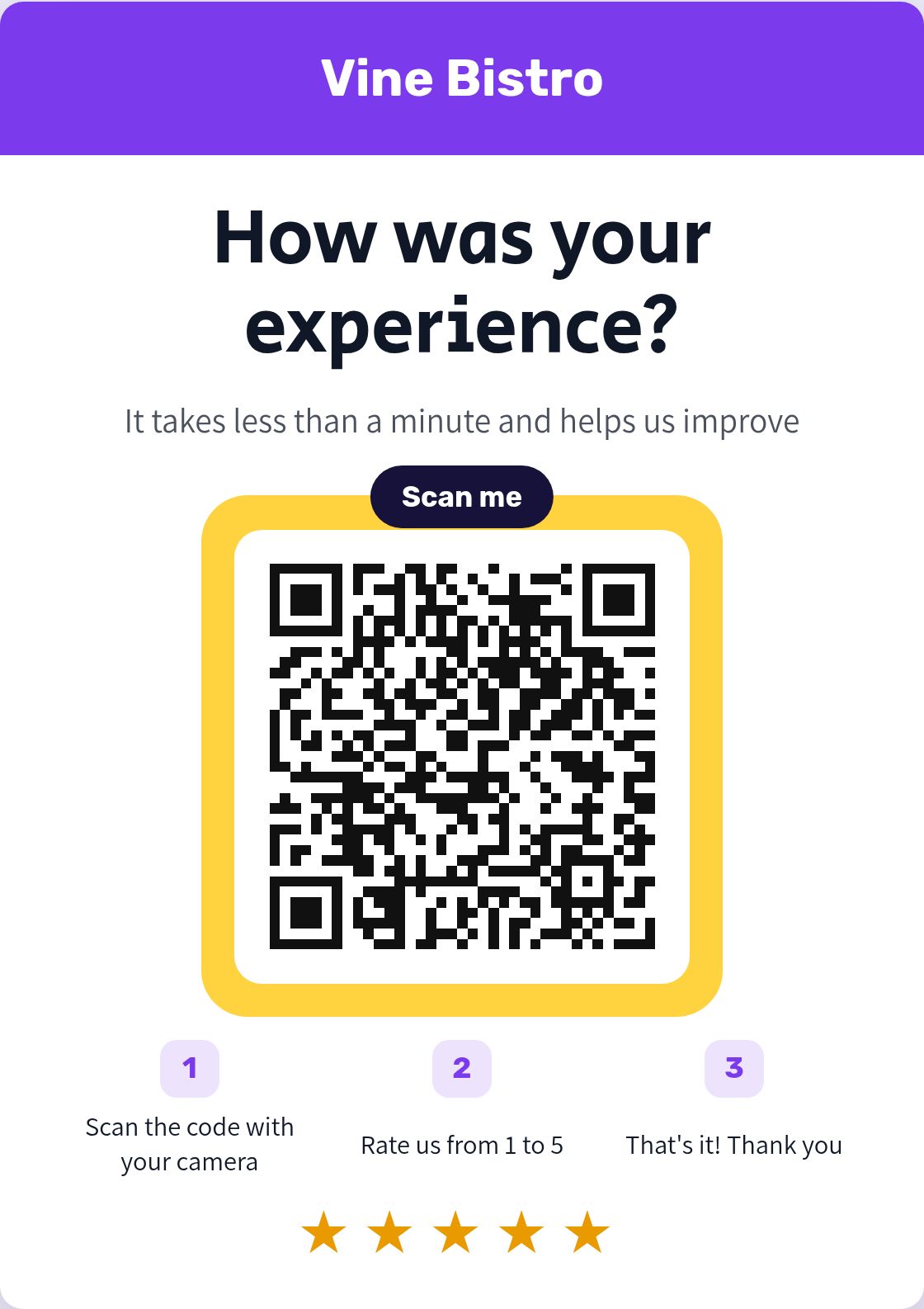
QR code and printable sign
Ask every customer for a review at the checkout, the table or the window.
- The business's code is in "Getting reviews". A customer who scans rates you in ten seconds.
- In the "QR sign designer" tab you pick a template, colors and size: from A3 for the window to table cards (4 per page) and a WhatsApp story.
- A happy customer gets a button to write a Google review, with what they wrote already copied. Print it and place it by the checkout.