Reply to Google reviews
All your reviews in one place, answered right from the list.
This feature needs a full connection to the business's Google account.
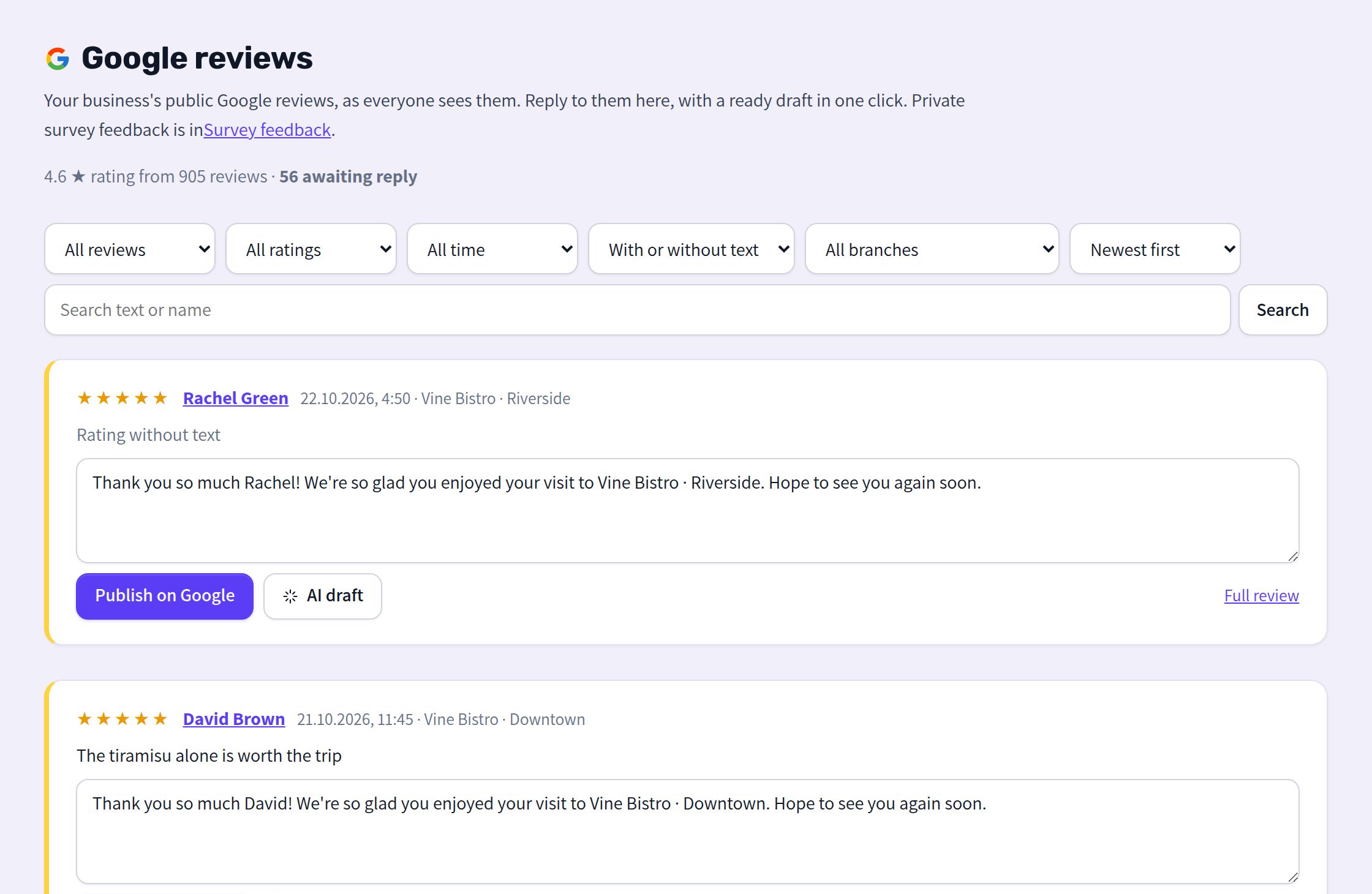
- Every new review arrives in “Google reviews”, with a phone notification. Reviews of 3 stars or less also arrive by email.
- Reply right from the list: under each review there's a reply ready from your templates, and an “AI draft” button that writes a personal one. Click “Publish on Google” and it's live.
- Filter by stars, waiting or answered, period, with or without text, and search for a word (“price”, “wait”).
- In "The style of AI drafts" pick a tone (warm, professional, short or light), a sign-off and whether an emoji is fine, and the AI writes that way.