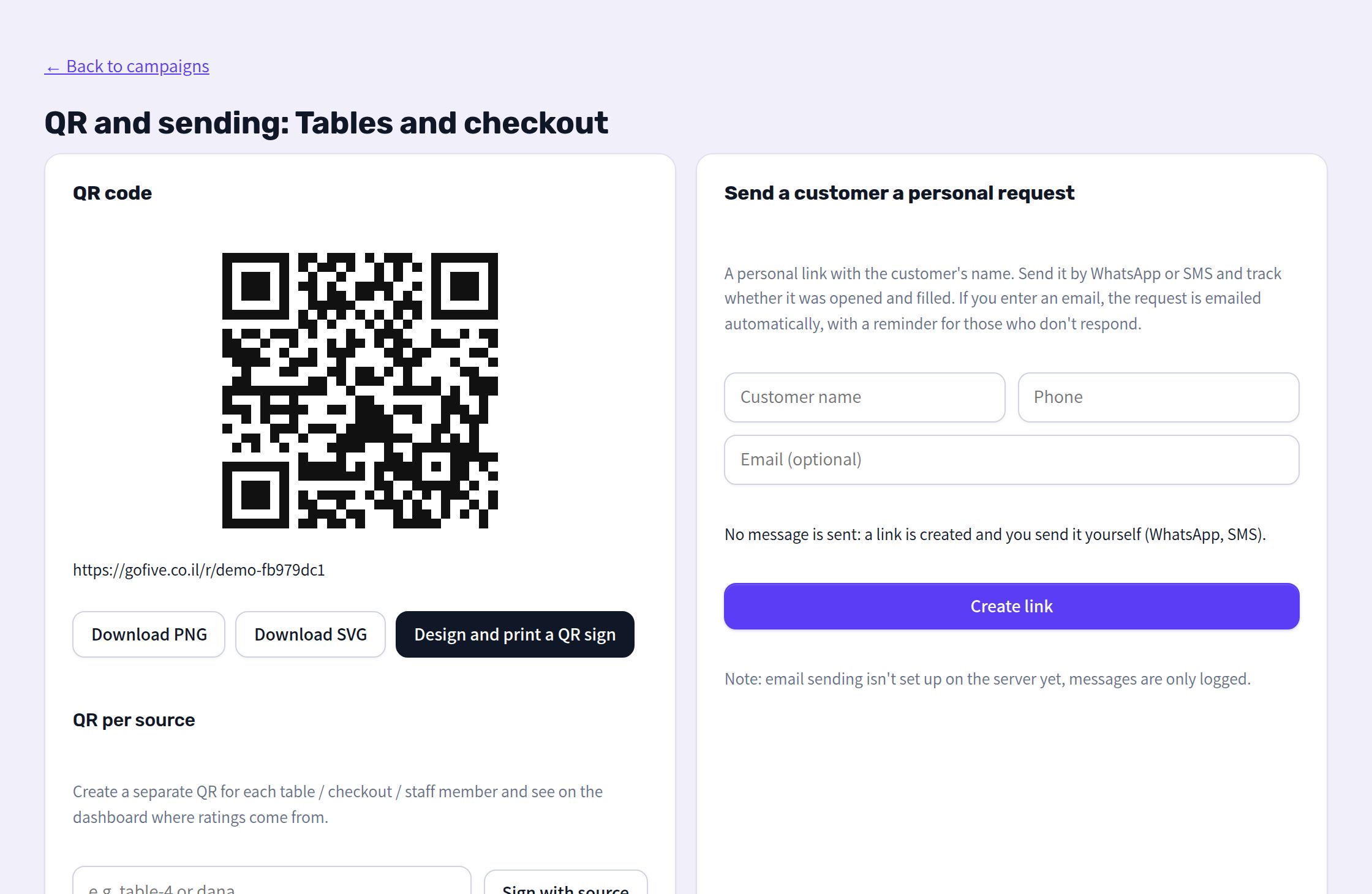
Send to a customer on WhatsApp
A personal survey link, in two taps from the reviews page.
- On "Google reviews", tap "Ask for a review on WhatsApp", type a name and phone, and WhatsApp opens with a ready message.
- "Customers asked for a review" (under "Getting reviews") shows everyone: who opened the link and who rated, with an Excel download.
- Change the message text in “Settings”.